


FAQ
FAQ(English)
How do I register a review?
Category:
5.1. Personal Services
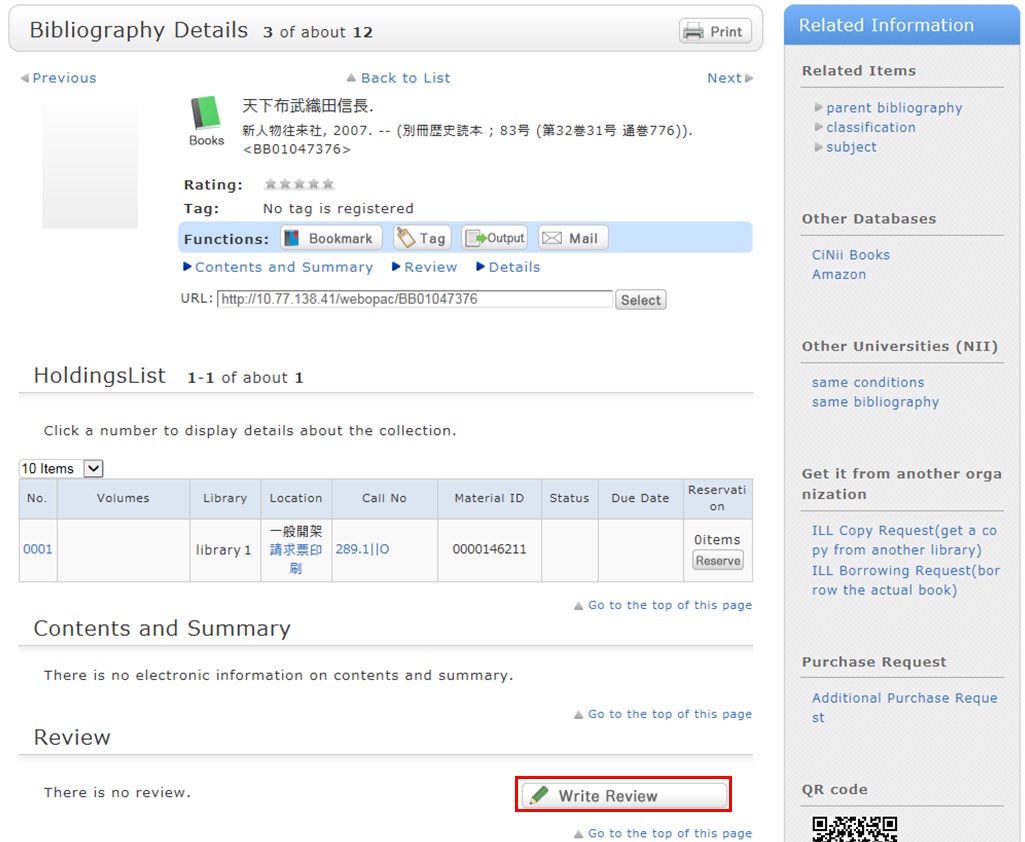
Review entry
- Confirm the bibliography of your written review, and decide the number of ★(1 to 5) for an evaluation. Then, enter the review title and text, and click [Submit].
You cannot use HTML tags and machine-dependent characters. - Confirm what you are registering. When there is no problem, click the [Submit] button. To start over with the entry, click [Edit].
- When your review is published, the contributor's nickname, date, section affiliation, library affiliation, and user type are posted in addition to the review title and text.
- If you want to set or change your nickname, select [OPAC] -> [Your Library Record] -> [Personal Info.]. Confirm the name displayed in the "Handle" column.
To correct the name, click [Personal Info.], and enter your new handle name.
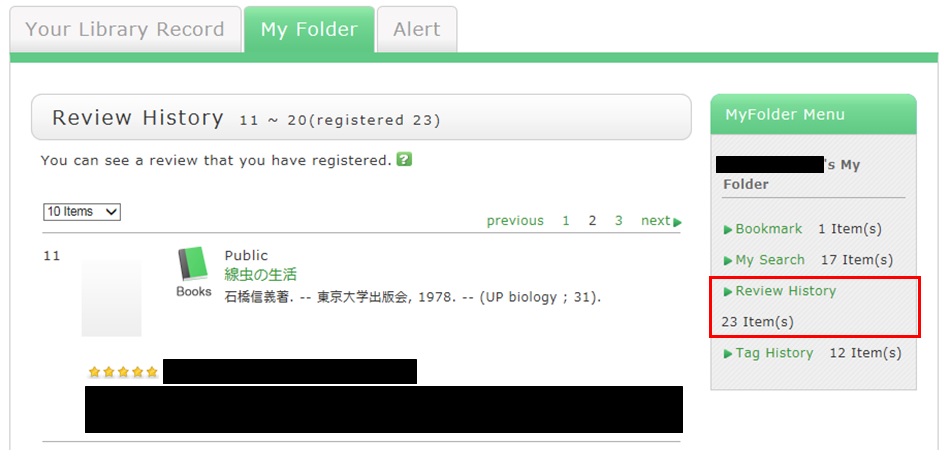
Review evaluation
You can enter comments about the review, add reference information, and report inappropriate reviews.
From the review details screen, click any of the following to go to the input screen:
- Was this review helpful? Yes? No?
- Report this review as inappropriate
- Write comment on this review

Library Information
| Library Guide *For member of TTI |
| Facilities |
| For Visitor |
| Access |
User Inquiry
Library Materials Guide



Library app

App Store:Fujitsu Limited
Google Play:FUJITSU LIMITED