

 図書館カレンダー
FAQ
FAQ(English)
How do I cancel a reservation?
1. Log in to OPAC.
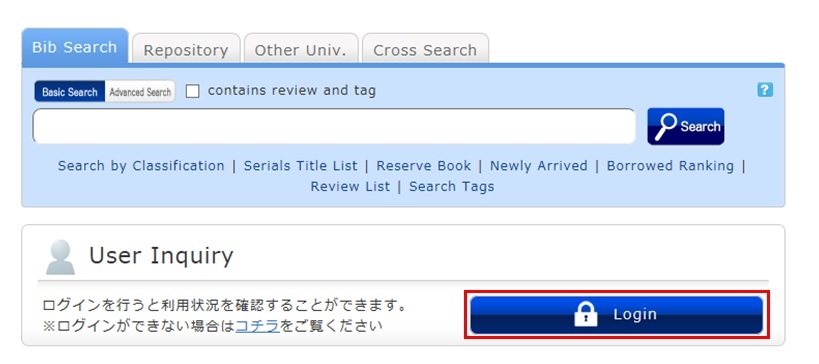
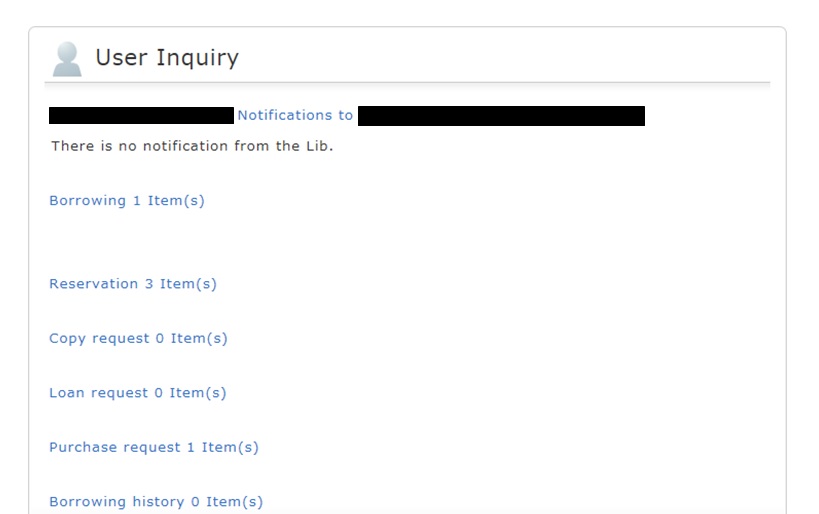
2. Click "Reservation" from User Inquiry on the OPAC top page.
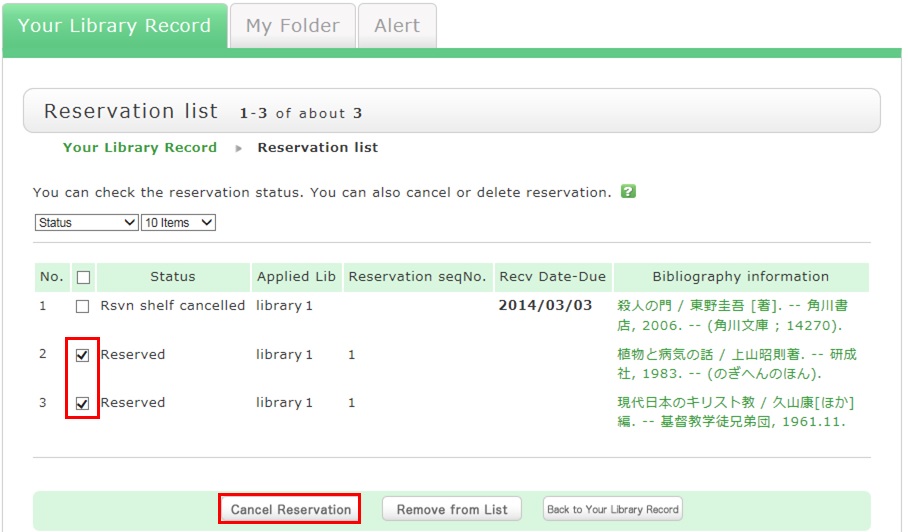
3. The reservation list screen appears. Place a check mark beside the material whose reservation you want to cancel, and click [Cancel Reservation].
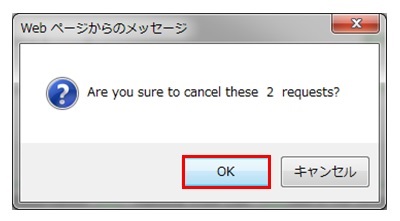
4. Click [OK] in the pop-up.
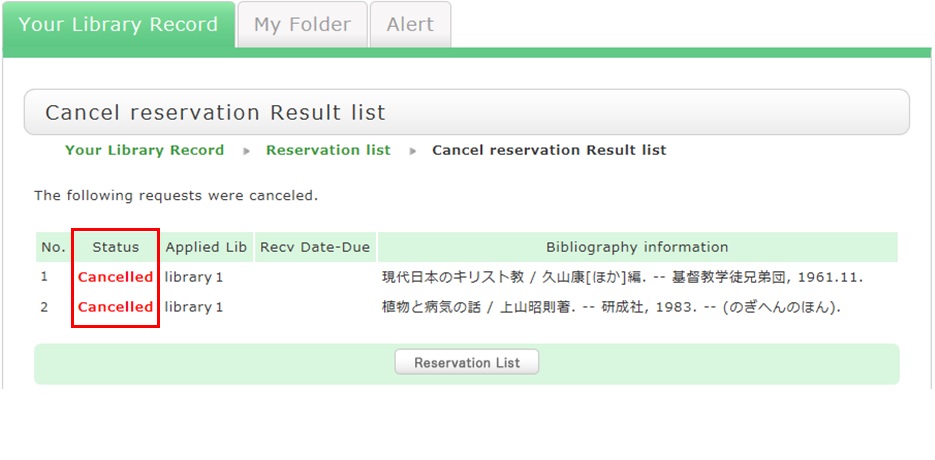
5. "Canceled" appears under Status upon the completion of the reservation cancellation.
図書館案内
利用者サービス
図書館活用ガイド



図書館アプリ

App Store:Fujitsu Limited
Google Play:FUJITSU LIMITED